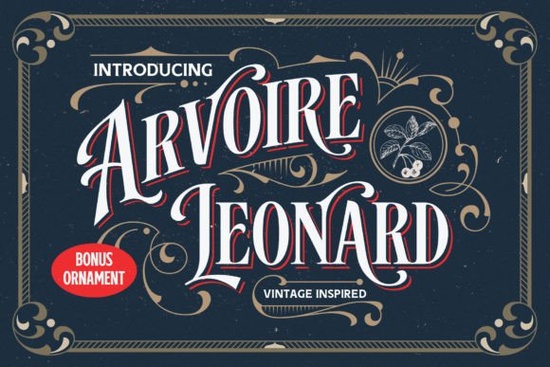
If you're looking for a display font that bridges old-world charm with clean, modern usability, the Arvoire Leonard Font fits neatly into that sweet spot. It’s not a revival of one specific 19th-century typeface but rather a thoughtful distillation of vintage signage, badges, and printed ephemera from that era. Designed as an all-caps font with two distinct styles Regular and Shadow it offers visual flexibility without sacrificing cohesion. Whether you’re mocking up a craft fair banner or designing a small-batch t-shirt label, this font delivers clarity and character at a glance.
What makes Arvoire Leonard different from other retro fonts?
Many vintage-inspired fonts lean heavily into ornamentation or exaggerated serifs, which can limit their use across mediums. Arvoire Leonard avoids that trap. Its letterforms are carefully balanced: slightly condensed, with subtle stroke contrast and gentle curves that nod to historical craftsmanship but remain legible even at smaller sizes. The Shadow version adds depth without clutter ideal for posters or product packaging where dimension matters but readability can’t be compromised.
It’s also PUA encoded, meaning you get full access to alternate glyphs, ligatures, and stylistic sets through your design software no need to hunt through character maps or install extra files. That’s especially helpful if you’re working in Canva, Adobe Illustrator, or Affinity Designer and want to fine-tune spacing or swap in a swash “A” or connected “TH” pair.
Where does it work best?
This is first and foremost a display font not meant for body text or long paragraphs. Think of it as your go-to for moments where typography needs to carry weight and intention:
- Small business signage (think café chalkboards, boutique window decals)
- Print-on-demand products like mugs, tote bags, and enamel pins
- Book covers and zine titles where tone and era matter
- Wedding stationery with a timeless, understated elegance
- Labels for handmade soaps, preserves, or artisanal goods
You’ll notice it pairs well with simpler sans-serifs or soft serif companions avoid pairing it with other highly decorative fonts unless you’re intentionally building a layered, collage-like aesthetic. For designers who love mixing eras, it sits comfortably alongside more minimal monogram fonts or clean chunky retro options.
How does it compare to similar fonts on Creative Fabrica?
If you’ve already explored our retro-vintage font collection, you’ll appreciate how Arvoire Leonard stands apart. Unlike some bolder chunky retro fonts built for impact at distance, this one leans into refinement. It’s less playful than Simple Grinches, and more structured than many script-based monogram fonts though it shares that same attention to tactile detail you’d find in monogram fonts designed for embroidery or foil stamping.
For crafters who cut vinyl or engrave wood, the clean outlines and consistent spacing make it forgiving at scale. And because it’s optimized for digital use (OTF and TTF formats included), it renders cleanly whether you’re exporting a PNG for Etsy or prepping a vector file for Cricut Design Space.
Real-world tips before you download
Try testing it in context before committing to a full project:
- Set your headline in Regular, then duplicate the layer and apply Shadow with a slight offset this creates instant depth without extra plugins.
- Use the ligatures sparingly: they add polish, but overuse can distract. A single “FF” or “TT” substitution often does more than five.
- When printing on textured paper or fabric, increase tracking by 10–20 units tight letterspacing can blur on porous surfaces.
- Remember: since it’s all-caps, avoid shouting energy unless that’s your goal. Pair it with lowercase body text to ground the layout.
If you’re curious about how it stacks up against other historically informed typefaces, you might also explore Arvoire Leonard Font directly on Creative Fabrica for user previews and real project examples.
Before you start designing: Download the font, open it in your system font book or design app, and test it with three real phrases your business name, a product tagline, and a short phrase you’d actually print. If all three feel cohesive and readable at intended size, you’ve found your match.
Try It Free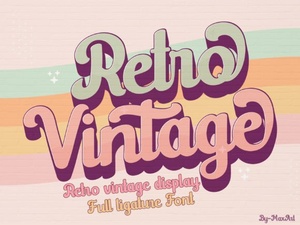 Crafting with Retro Vintage Fonts for Modern Projects
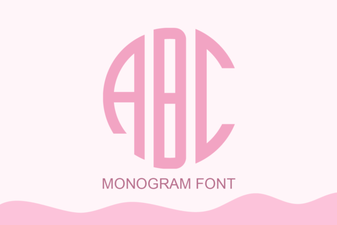 Monogram Font Ideas for Custom Projects
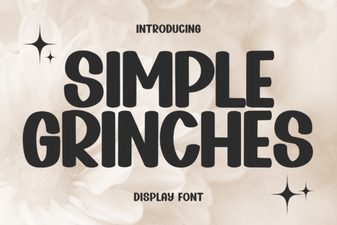 Fun Grinch-Inspired Fonts for Holiday Designs
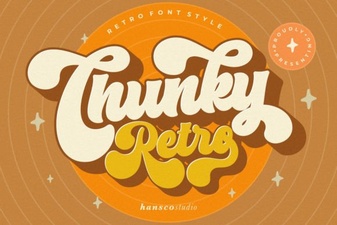 Vintage Chunky Fonts for Bold Design Projects
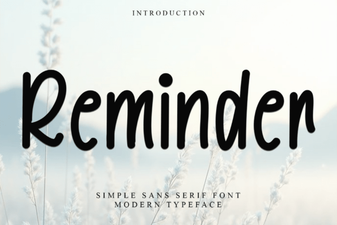 Reminder Fonts: Unlocking Creativity in Your Projects
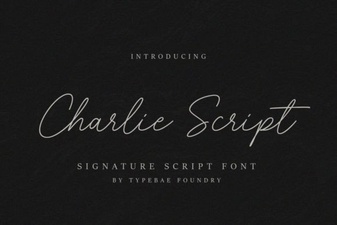 Charlie Script Font for Creative Design Projects